Letting the System Decide: Why keg.dev Follows Your Lighting Preference
October 27, 2026 - Reading time: 3 minutes
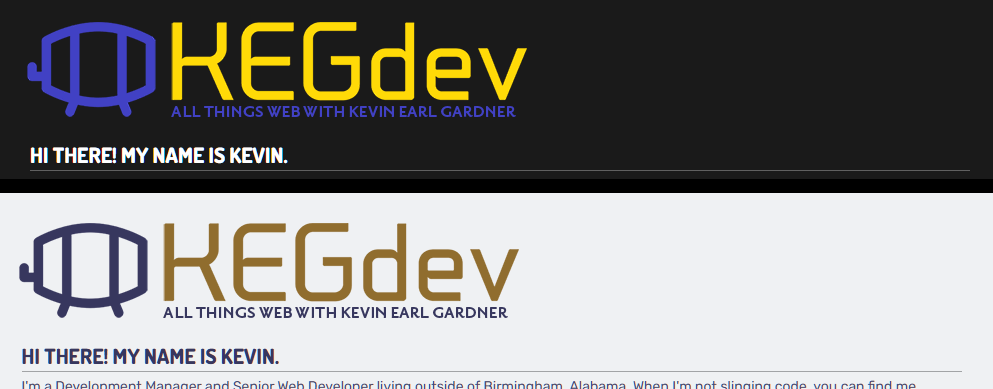
Your eyes already know what kind of light you're working in. Your operating system probably does too — and now, so does this site. With a single CSS media query (prefers-color-scheme), keg.dev reads the dark or light mode preference you've set at the system level and responds accordingly, no toggle required, no account needed, no friction whatsoever. It's a small technical decision with a surprisingly meaningful payoff: a site that feels native to the environment you're already in, whether that's a sun-drenched desk at noon or a dim setup at midnight. This isn't a trend feature or a cosmetic checkbox — it's a design philosophy rooted in respecting how people actually use screens.
The Numbers Don't Lie
Dark mode has crossed from niche preference to mainstream expectation. A 2026 LinkedIn survey of over 2,500 Android users found that 81.9% use dark mode whenever the option is available. Desktop usage among developers and designers sits even higher, approaching 86%. More than 70% of respondents in an Android Authority poll of 3,000+ readers said they're dark mode all the time. The pattern is consistent across platforms too — over 81% of Android users and 75% of iOS users have dark mode enabled on at least one of their primary apps. These numbers aren't just a signal; they're a clear mandate. A substantial majority of web visitors already have a system preference set. Ignoring it means deliberately overriding a choice they made.
What the Research Says About Eyes and Light
The connection between dark mode and eye comfort is real, though nuanced. A 2025 study published in the International Journal of Environmental Research and Public Health concluded that dark mode may help reduce the risk of eye fatigue compared to light mode, particularly noting effects on critical flicker frequency and dry eye symptoms — two measurable markers of visual strain. Separate research comparing smartphone display modes found a significant reduction in eye fatigue when using dark mode in bright ambient conditions. The common thread across these studies is context: dark mode is most beneficial when the ambient environment is already dim, because it closes the contrast gap between your screen and the room around you. A blindingly white background in a dark room forces the eye to constantly manage that imbalance, and over hours of use, that adds up.
Beyond eye fatigue, 52% of users report switching to dark mode as a strategy for managing migraine triggers, and 47% believe it meaningfully reduces their digital eye strain. On OLED and AMOLED displays — now standard in most mid-range and premium smartphones — dark mode can reduce screen power consumption by anywhere from 14% to 58% depending on the app. That's a genuine efficiency gain for mobile visitors, not just a visual preference.
The Right Way to Implement It
The prefers-color-scheme media query is the standards-based, no-JavaScript-required way to handle this. Rather than maintaining two separate stylesheets or forcing users to interact with a theme toggle they may not notice, the CSS responds automatically to what the OS reports. On this site, CSS custom properties carry the color values — swapping a handful of variables at the :root level cascades the correct palette throughout every element without specificity conflicts or redundant overrides. Pairing that with color-scheme: light dark on the root element also signals to the browser that native controls like scrollbars and form inputs should match — a detail most theme implementations miss. The result is a cohesive experience rather than a site that flips its background color while leaving every other UI element unchanged.
Supporting system preferences isn't about choosing a side in the light vs. dark debate. It's about acknowledging that the user has already made that choice — and building a site that listens.
Sources: lens.com — Dark Mode Eye Strain Stats · MDPI/IJERPH — Visual Fatigue Study · Android Authority Survey · ActionSprout — Mobile Design Trends · MDN — prefers-color-scheme