I Built a Home Inventory App for My Vinyl Collection
October 26, 2026 - Reading time: 7 minutes
And then it turned into something I actually care about.
The premise is embarrassingly mundane. I have a vinyl collection that had gotten out of hand — spread across multiple shelves, crates, and boxes with no real system. I knew roughly where the records were. What I couldn't do was find a specific one without digging through everything. I'd buy an album, get home, and discover I already owned it. I'd lend one out and have no idea where it went. I wanted to know exactly what I had, where it lived, and whether I already owned something before clicking "buy" again.
I'd tried spreadsheets. I'd tried notes apps. What I actually wanted was something that understood the physical hierarchy of how stuff is stored: this record is in this crate, which is in this room. I wanted to photograph the album art, tag it by genre or era, and find it later with a search that didn't require me to remember exactly how I'd named it.
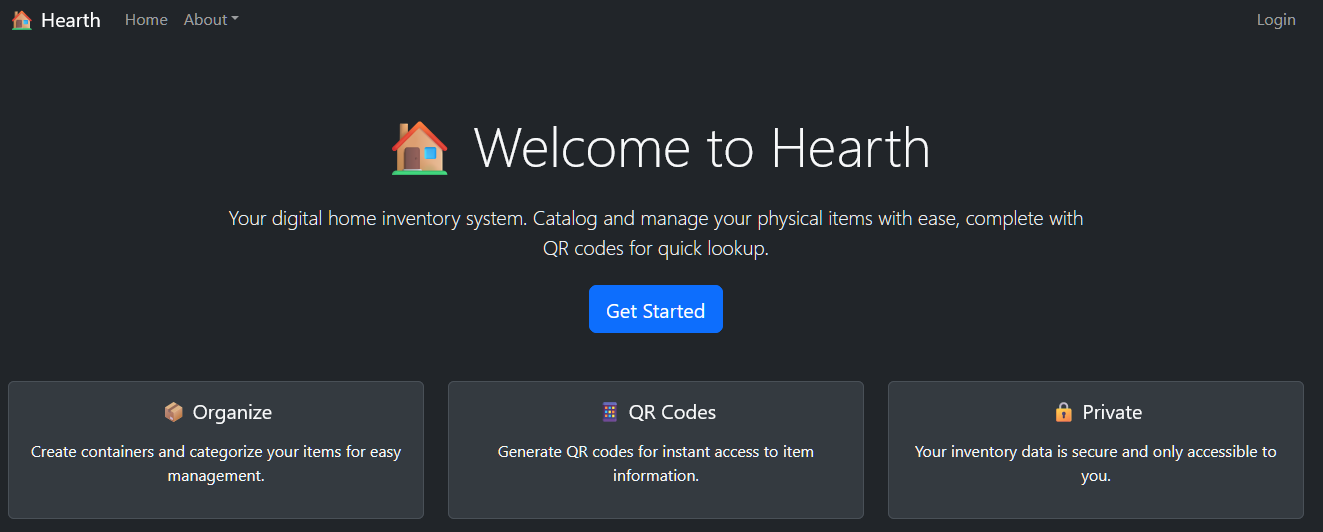
So I built Hearth — a Progressive Web App for home inventory management. What started as a weekend itch-scratch turned into a months-long project with more interesting engineering problems than I expected. Here's what I learned.
The Stack (and Why)
Hearth is a React + TypeScript SPA, deployed to Firebase Hosting, with Firestore as the database. I'm using Google OAuth for auth.
The PWA angle was deliberate. I wanted something installable on phones without going through the App Store, and I wanted offline support — because the whole point of an inventory app is that it needs to work when you're in a basement or a storage unit with spotty signal. The service worker handles asset caching, and I built a custom offlineCacheService on top of localStorage with a 30-minute TTL and graceful quota fallback.
The quota issue turned out to be non-trivial. When a user has 127+ items with base64-encoded images stored in Firestore (no Firebase Storage — a deliberate choice to keep the architecture simpler), the serialized cache can blow past localStorage limits. The fallback strategy: cache items without their image data and log a warning. Images reload from the network when available; the structural data — names, locations, tags — is always there offline. That's the part that actually matters when you're looking for your drill.
Phase 1: Making It Collaborative
The first real feature beyond basic CRUD was container sharing. An inventory app that only one person can use is limited — and honestly, the sharing use case was half the reason I built this in the first place. My wife goes vintage store crawling on weekends, and she needed an easy way to pull up the collection on her phone and check whether we already owned something before buying it. A read-only view of my record crates, accessible from anywhere, was the actual killer feature.
The sharing model I landed on is a three-tier permission system: view, edit, and admin. Admin can reshare and modify permissions; edit can add and update items; view is read-only. This maps cleanly onto how shared spaces actually work.
The interesting part was the Firestore security rules. The naive approach — just check if the container belongs to the user — breaks immediately when you add sharing. The rule I ended up with checks either ownership or presence in the containerShares collection:
match /containers/{containerId} {
  allow read: if request.auth != null &&
    (resource.data.userId == request.auth.uid ||
     isSharedWithUser(containerId, request.auth.uid));
}
The isSharedWithUser helper is a Firestore function that queries the containerShares collection. This means security is enforced at the database layer, not just in application code. That matters.
The trickier problem was search. Once you have shared containers, the query "give me all containers this user can see" can't be a simple where('userId', '==', uid) anymore. I ended up loading owned containers and shared containers in parallel, merging the results client-side. The parallel loads keep the latency close to a single round-trip, and since most users aren't managing thousands of containers, the client-side merge is cheap.
The Performance Cliff
Here's where it got genuinely interesting.
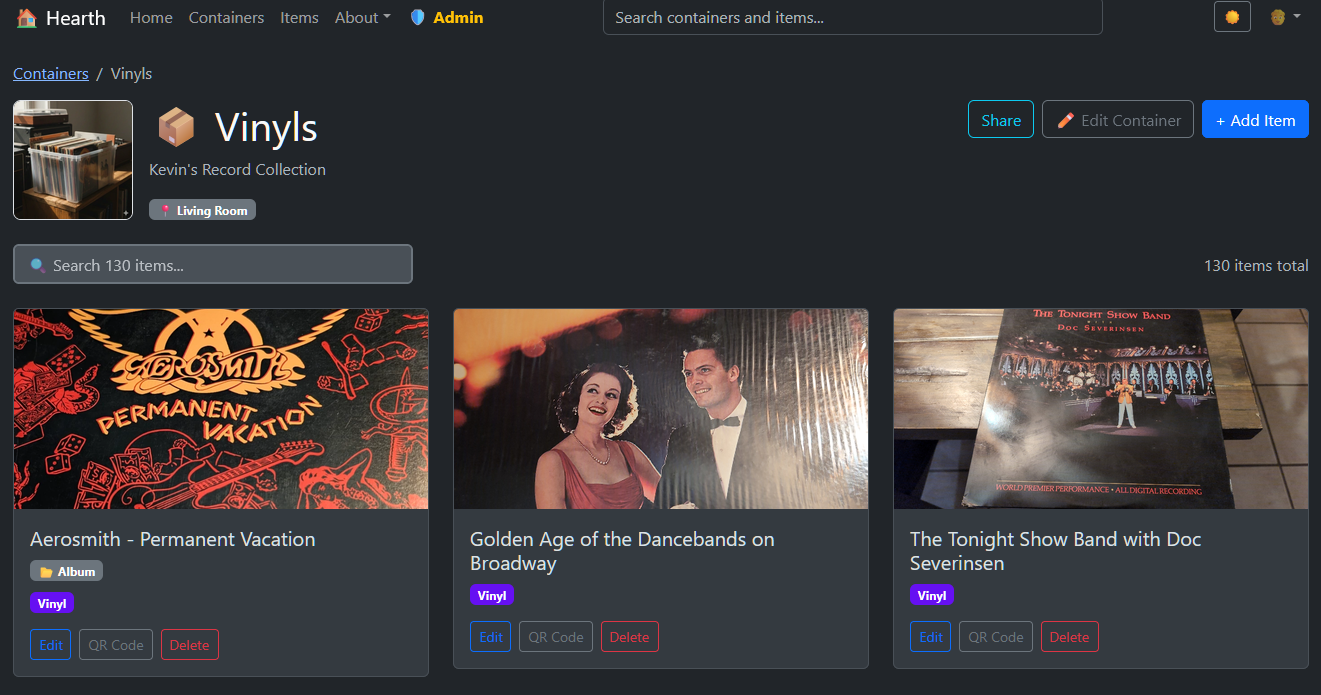
My own vinyl collection was the first real stress test. 127 records, most with album art photos encoded as base64 strings. The container detail page took 5–10 seconds to load. On a fast laptop. On mobile it was worse.
The problem wasn't the data fetch — Firestore is fast. The problem was DOM rendering: dumping 127 image-heavy cards onto the page at once is brutal. The browser spent most of its time in layout and paint.
The fix had three parts:
1. Pagination. I settled on 24 items per page. That number sounds arbitrary, but it fits cleanly into 2, 3, and 4-column grid layouts at various breakpoints, which means the last row is never awkwardly sparse. Client-side pagination means no additional network requests on page turn — just array slicing.
2. Native lazy loading. One attribute:
<Card.Img
  src={item.imageUrl}
  loading="lazy"
  style={{ height: '200px', objectFit: 'cover' }}
/>
The browser handles the rest. Images below the fold don't load until they're about to scroll into view. This alone cut the initial render time significantly because the browser wasn't trying to decode 127 base64 images before painting anything.
3. Aggressive auth caching. Every page load was hitting Firestore to check account status — whether the user was approved, pending, or admin. That check was taking 4–10 seconds on its own. The fix was extending the cache TTL to 2 hours and adding a session validation layer: if you've been validated in this browser session, skip the Firestore check entirely and validate in the background when the cache ages past an hour.
if (cachedStatus && isSessionValidated(userId)) {
  setUserProfile(cachedStatus);
  setLoading(false); // Show the UI immediately

  if (cacheAge > 60 * 60 * 1000) {
    backgroundValidateProfile(); // Non-blocking
  }
  return;
}
The result: sub-second loads for return visits. The UI appears instantly, and fresh data arrives in the background without any visible loading state.
The Tag Cloud Problem
Tags are easy to add to a data model. They're harder to make useful in a UI.
The original implementation let users add free-text tags to items. Fine. But there was no way to browse by tags, no way to see what tags you'd used, no way to discover that you'd tagged thirty items "electronics" without knowing to search for it.
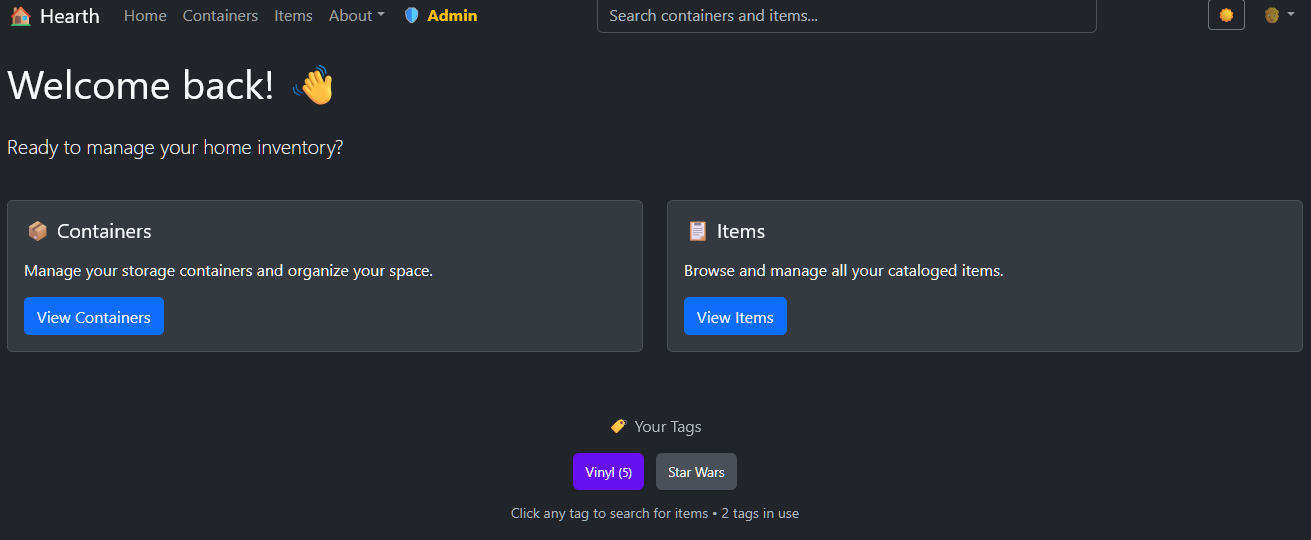
The solution was a visual tag cloud on the home page. Tags are sized proportionally to their usage frequency — the more items tagged with "electronics," the bigger "electronics" appears. Clicking a tag navigates to a filtered items view using exact tag ID matching, not text search:
navigate(`/items?tagId=${encodeURIComponent(tag.id)}`);This distinction matters. Text-based tag filtering could accidentally match item descriptions or names. Tag ID matching is precise: you get exactly the items tagged with that tag, nothing else.
The small accessibility detail I'm proud of: automatic text contrast. Every tag has a user-assigned background color. Rather than forcing users to also pick a text color, I calculate the relative luminance of the background and choose black or white text accordingly:
const luminance = (0.299 * r + 0.587 * g + 0.114 * b) / 255;
return luminance > 0.5 ? '#000000' : '#ffffff';
This is the standard WCAG luminance formula. Tags are always readable regardless of what color the user chose.
What I'd Do Differently
Firebase Storage instead of Firestore for images. Storing base64 images in Firestore documents works, but it's fighting the tool. Document size limits, cache quota issues, and slow serialization are all symptoms of the wrong abstraction. Firebase Storage exists for a reason.
Earlier pagination. I added it reactively when a user hit the performance cliff. It should have been there from the start. Any list view that can grow unboundedly needs pagination or virtual scrolling.
The offline cache is too manual. The offlineCacheService I built works, but it's a lot of boilerplate — cache keys, TTLs, quota handling, version management. This is basically what TanStack Query or SWR does, but those libraries also handle request deduplication, background refetching, and optimistic updates. If I were starting over, I'd reach for one of them.
What's Next
The roadmap has a few things I'm genuinely excited about:
- Advanced filters — filter by price range, condition, purchase date, location
- CSV/Excel export — already in progress, with proper column headers and image references
- Bulk sharing — share multiple containers at once instead of one at a time
- Push notifications — PWA push for "someone added items to a container you have access to"
The app is live at hearth.keg.dev if you want to poke at it. It's in limited access right now — new accounts require approval — but I'm opening it up gradually.
My vinyl collection is in a container called "Records." Tagged by decade, genre, and a few artist-specific tags that got out of hand. I can find out whether I own a specific album in about four seconds now, and I haven't bought a duplicate since.
That's the whole goal.